Choosing Your Composable Commerce Stack: A Decision Framework for 2026
Composable commerce promises infinite flexibility. It also delivers infinite ways to spend a year integrating things that don't quite fit. Here's a framework for choosing a stack that actually ships.
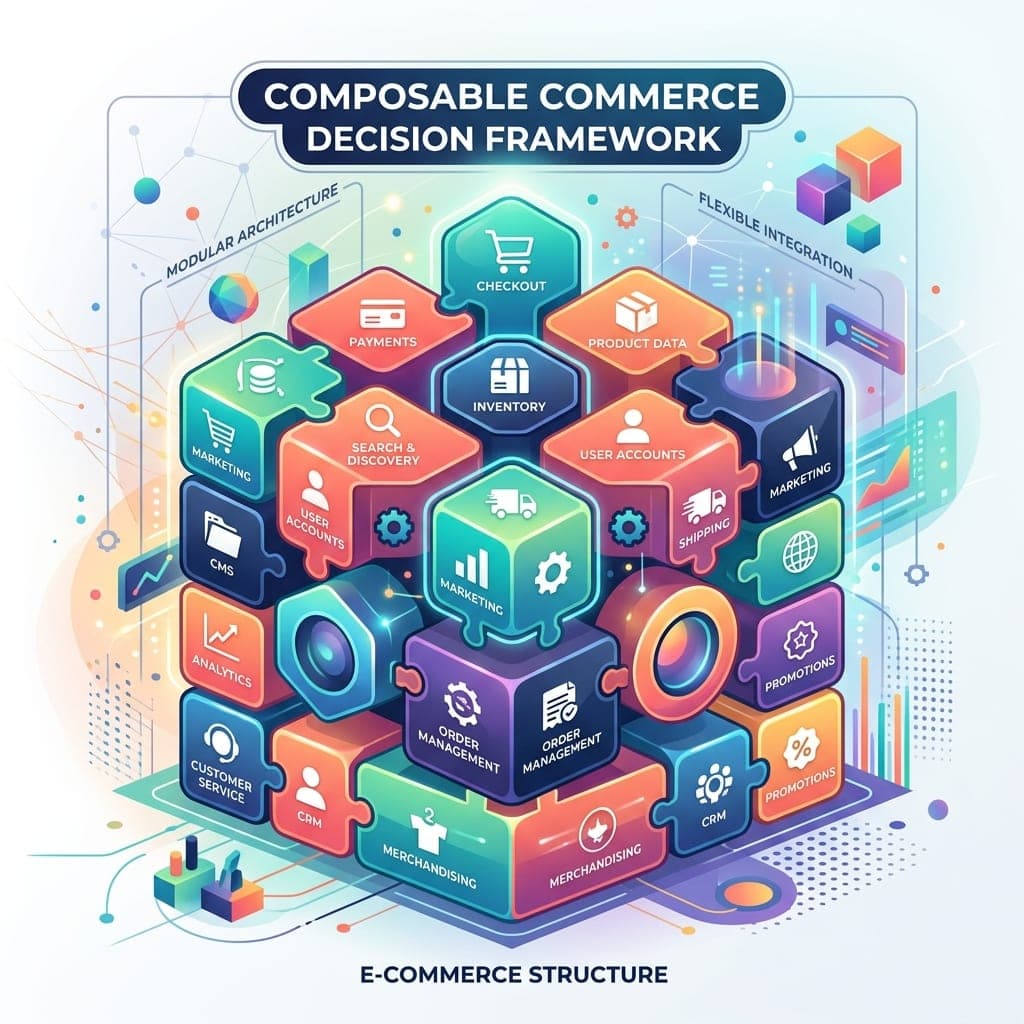
Composable commerce is the architectural pattern of building your ecommerce stack from best-of-breed services rather than a single monolithic platform. Each function (catalog, cart, checkout, search, content, payments, personalization) is handled by a specialist tool, and the whole thing is stitched together with custom integration code. The promise is unbounded flexibility. The reality, for many teams that take it on without a clear framework, is a year of integration work, a fragile stack that breaks in surprising places, and a team spending half its time on plumbing instead of features. Composable commerce can work brilliantly. It can also be the wrong call dressed up as the right one. This guide is a decision framework for choosing whether to go composable, what to put in your stack, and how to sequence the implementation so you actually ship.
What Composable Commerce Is, Precisely
Composable commerce assembles your commerce experience from multiple independent services that communicate through APIs. A typical composable stack:
- A storefront framework (Next.js, Remix, Astro) running your custom frontend
- A commerce engine (Commercetools, Medusa, Saleor, Elastic Path) handling orders and carts
- A search service (Algolia, Constructor, Typesense)
- A CMS (Sanity, Contentful, Storyblok) for editorial content
- A payments service (Stripe, Adyen, Braintree)
- A subscription system if recurring revenue is involved (Recurly, Chargebee)
- A loyalty and promotions engine (Talon.One, Voucherify) for complex incentives
- A customer data platform (Segment, RudderStack) to unify behavior across tools
- An email and lifecycle platform (Klaviyo, Customer.io, Iterable)
- An analytics layer (PostHog, Mixpanel, GA4)
- An order management system for fulfillment (ShipBob, Veeqo, Onport)
- A returns management tool (Loop, Returnly, Aftership)
The list goes on. A mid-complexity composable stack involves 10 to 15 vendors, each with its own API, billing, and integration surface.
When Composable Is the Right Answer
Composable makes sense when several specific conditions are true.
You have a genuinely differentiated business model. A subscription box with complex fulfillment cycles, a marketplace with multiple seller types, a configurator-heavy product, a B2B operation with negotiated pricing and approval flows. These models don't fit packaged platforms cleanly. Composable lets you build the pieces that match.
Your revenue justifies the engineering investment. Composable stacks require ongoing engineering. The integration code, the failure modes, the version upgrades across multiple vendors. A team of one or two part-time developers will struggle. Most successful composable implementations have at least 3 to 5 engineers dedicated to the commerce stack.
Your team has the maturity to operate it. Monitoring, on-call rotations, incident response across multiple vendors, runbooks for failure modes. If your operational maturity is "we'll figure it out when something breaks," composable will hurt.
You're optimizing for differentiation, not speed. Composable takes 4 to 12 months to ship. Monoliths take weeks. If time to market is the constraint, take the monolith.
The vendor lock-in of a monolith is unacceptable. For large enterprises with long product roadmaps, betting the company on a single vendor's roadmap (Shopify, Salesforce Commerce Cloud, Adobe Commerce) is a real risk. Composable mitigates this by letting you swap any layer.
When Composable Is the Wrong Answer
The conditions that should push you toward a monolith:
Annual revenue under $10M. The engineering investment to do composable well rarely pays back at this scale. A Shopify or BigCommerce monolith ships features faster and lets the team focus on business logic.
Standard ecommerce model. Catalog of products, cart, checkout, shipping, fulfillment. No subscription, no marketplace, no B2B complexity, no configurator. Monoliths do this well, fast, and cheap.
Small or inexperienced engineering team. A team that's never built a composable stack and is doing it on a deadline will struggle. The right call is to grow on a monolith and migrate when both the business case and the team are ready.
You need to launch in 12 weeks. Composable timelines are 4 to 12 months minimum. If you're under that timeline, the architecture choice is made for you.
The Composable Stack Architecture That Works
For teams committed to composable, certain combinations have emerged as battle-tested in 2026.
Frontend layer. Next.js 15 is the dominant choice with mature integration patterns for nearly every commerce backend. Astro is the right answer for content-heavy commerce sites where most pages are editorial. Remix continues to be the standard for Shopify Hydrogen.
Commerce engine. Commercetools is the enterprise-default for B2B and complex catalogs. Medusa is the leading open-source option, particularly when you need full control or want to self-host. Saleor sits between them, GraphQL-first, well-suited to teams that want a hosted option with developer-first ergonomics. Elastic Path remains strong in retail enterprise.
Search. Algolia for SaaS simplicity and rich features. Constructor.io when you need merchandising tools and recommendations integrated. Typesense for teams that want self-hosting and Algolia-like DX without the SaaS dependency.
Content management. Sanity for developer-first editorial workflows with custom schemas. Contentful for enterprise governance and large content teams. Storyblok for visual editing and marketing-team-friendly workflows.
Payments. Stripe for North America-centric businesses and broad capability. Adyen for global commerce with strong local payment method support. Braintree for PayPal integration when that's strategic.
Customer data and identity. Segment or RudderStack for event collection and routing. Auth0 or Clerk for identity management. The CDP is the spine that connects your customer's behavior across all the other tools.
The Integration Pattern That Holds Up
The most common composable failure mode is the "integration tax." Each tool has its own data model, and stitching them together produces glue code that's brittle, hard to debug, and a tax on every feature.
The pattern that works in practice is a Backend-for-Frontend (BFF) layer. Instead of having your storefront talk to 15 vendors directly, build a single API layer in your codebase that talks to the vendors and exposes a unified API to the frontend.
// app/api/commerce/checkout/route.ts
import { commerceEngine } from "@/lib/commerce";
import { paymentsClient } from "@/lib/payments";
import { customerDataPlatform } from "@/lib/cdp";
import { emailService } from "@/lib/email";

export async function POST(request: Request) {
  const { cartId, paymentDetails } = await request.json();

  const order = await commerceEngine.createOrder(cartId);
  const payment = await paymentsClient.charge(order.total, paymentDetails);
  await commerceEngine.confirmOrder(order.id, payment.id);
  await customerDataPlatform.track("Order Placed", { order, payment });
  await emailService.sendOrderConfirmation(order);

  return Response.json({ orderId: order.id });
}
The BFF gives you:
- A single point to change vendors (swap implementations behind the abstraction)
- A place to add caching, retries, and error handling
- A clean contract for the frontend that doesn't expose vendor specifics
- A natural location for cross-cutting concerns (logging, monitoring, feature flags)
Without a BFF, every page in your storefront becomes a mini integration project. With one, the integration complexity stays contained.
The Sequence That Actually Ships
Composable projects fail more often from sequencing than from technology. The pattern that works:
Phase 1: Foundation (weeks 1 to 4). Choose the stack. Set up the BFF and core integrations. Deploy a basic homepage that pulls products from the commerce engine and content from the CMS. No styling, no full PDP, no checkout. Just proving the integration works end-to-end.
Phase 2: Catalog (weeks 5 to 10). Build the category and product detail pages with real styling. Wire up search. This is where you discover the realities of your vendor APIs, what they return, how fast, what's missing. Expect surprises.
Phase 3: Cart and account (weeks 11 to 14). Cart, account creation, login, order history. The pieces that touch identity and persistence. Wire up the CDP for behavioral tracking.
Phase 4: Checkout and payment (weeks 15 to 20). The highest-risk surface. Cart-to-payment-to-order-confirmation, with the full failure modes (payment declines, inventory issues, address validation). This is where you decide whether to use the commerce engine's hosted checkout or build a custom one.
Phase 5: Operations and observability (weeks 21 to 24). Monitoring, alerting, runbooks, incident response. The pieces that are easy to skip and expensive to lack.
Phase 6: Performance and polish (weeks 25 to 30). Lighthouse passes, Core Web Vitals optimization, accessibility audits, A/B testing infrastructure. Now the foundation supports iteration.
Most teams underestimate phases 4 and 5 and overestimate the speed of phases 1 to 3. Plan accordingly.
The Hidden Costs Most Pitches Skip
Three costs that consistently surprise teams:
The cost of testing across vendors. Manual testing increases linearly with vendor count. End-to-end test reliability degrades as more APIs are involved. Building a robust testing pipeline that catches issues across the integrated stack is a real project.
The cost of vendor upgrades. Each vendor releases breaking changes on their own schedule. A 10-vendor stack means 10 separate upgrade paths, each requiring testing and potential code changes. The maintenance load is continuous, not one-time.
The cost of incident response. When checkout breaks, is it the storefront, the BFF, the commerce engine, the payment provider, or the inventory system? Composable incident response is fundamentally harder than monolithic incident response. The team needs runbooks, dashboards, and tracing that span multiple vendors.
Frequently Asked Questions
Is composable always better than headless monolith?
No. Headless monolith (using a monolithic commerce platform's API while building a custom storefront) is often the right middle ground. You get frontend flexibility without the multi-vendor integration tax. Shopify Hydrogen, BigCommerce headless, and Commercetools as a single-vendor backend all fit this pattern.
How much does a composable stack cost monthly?
For a mid-sized store: $2,000 to $5,000 in commerce engine fees, $500 to $1,500 for search, $300 to $1,000 for CMS, $500 to $2,000 for payments processing (variable with volume), plus various other tools. Total monthly subscription cost typically lands at $5,000 to $15,000 for a real stack, before engineering. Larger or B2B implementations can be much higher.
Can I migrate from monolith to composable incrementally?
Yes, and you should. The strangler fig pattern works well: build new functionality on the composable side while the monolith continues to serve existing customers. Migrate one surface at a time (product detail page, then category, then cart, then checkout). Full big-bang migrations are unnecessary and risky.
What about MACH-aligned vendors?
MACH (Microservices, API-first, Cloud-native, Headless) is an industry alliance whose members commit to those architectural principles. MACH membership doesn't guarantee a vendor is right for you, but it's a useful filter when evaluating composable stack components.
How do I evaluate composable vendors objectively?
Three questions to ask every vendor. What does the migration off your platform look like in 18 months. Show me three reference customers at our complexity and scale. What is the total cost in year three including platform fees, engineering, and integration. Vague or evasive answers are red flags.
If you're evaluating a composable commerce migration or planning a new build, our team handles composable commerce strategy and implementation for production stores.
Tags